Basics of MIDI
Basics of MIDI
What is MIDI?
MIDI is short for Musical Instrument Digital Interface.
MIDI is a control language. It let’s two or more devices communicate instructions quickly and efficiently.
History of MIDI
A shorter telling…
A longer telling…
We are in a moment of transition
The first version of MIDI (MIDI 1.0) was released in the 1980’s and most of the MIDI we use today is still largely the same as it was then. In 2019, MIDI 2.0 was announced and it is starting to appear in the software and hardware we use. In the years ahead you’ll see more and more of the features and capabilities of MIDI 2.0 appearing in the tools you use. However, the foundation of MIDI 1.0 will always remain.
Everything that follows is discussing MIDI as it is in MIDI 1.0
The value of MIDI
Nearly everything in the MIDI language is expressed as a value between 0 and 127.
The only current exception to this (at least within the parts of the MIDI language that we will commonly use) is the Pitch Bend parameter which has a value range from 0 to 16383.
Why might Pitch Bend have a larger value range than the rest of MIDI?
How is MIDI organized?
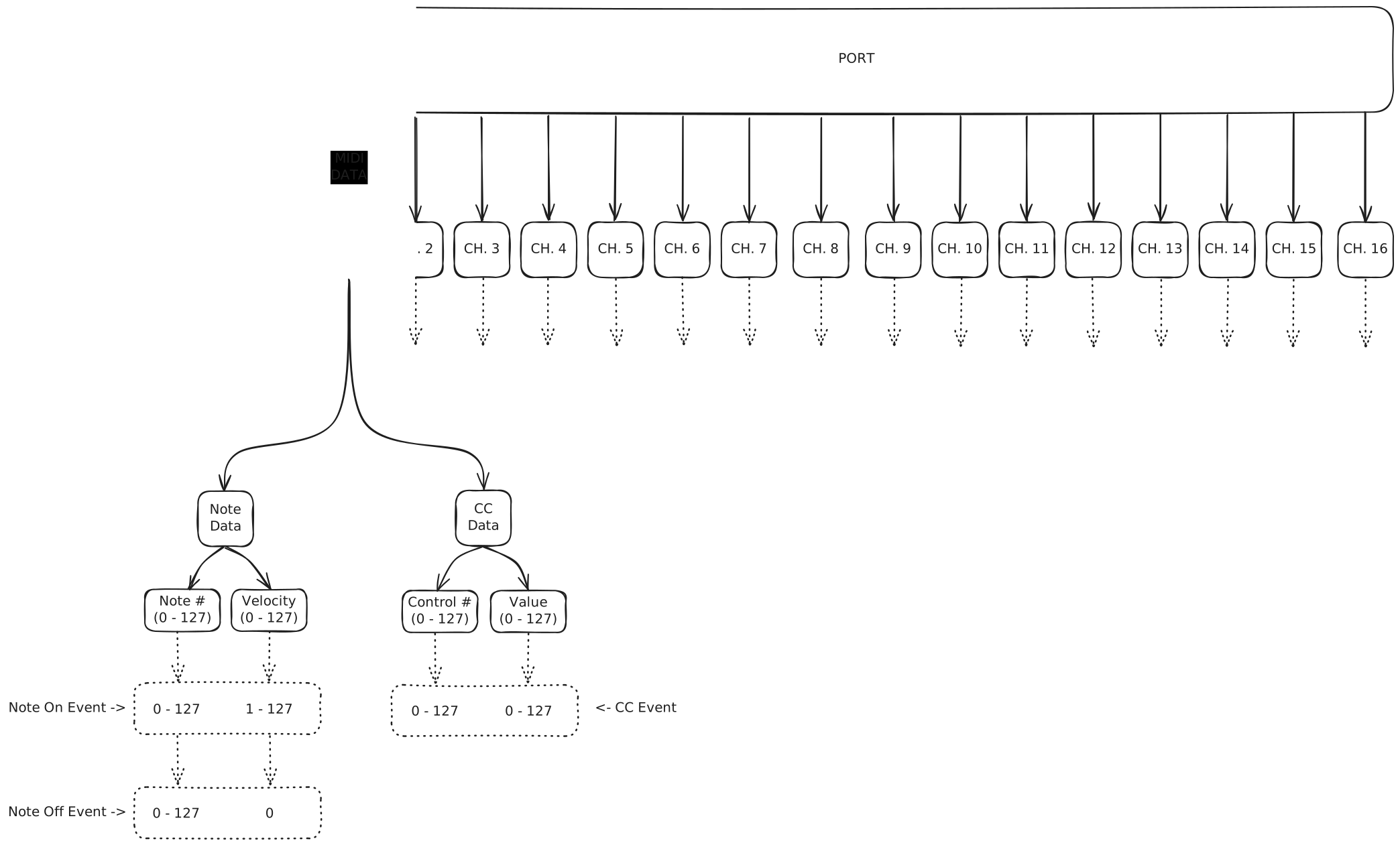
There are many nuances to the MIDI language, but for us there are really only four important parts of the language that are important to understand: ports, channels, notes, and CCs.
Ports
Every MIDI Devices has at least one “port” for sending and another “port” for receiving MIDI data.
Some devices (like our computers) can have multiple ports for sending and receiving MIDI data. Not all devices have both sending and receiving ports. Older devices that do not use USB cables to send/receive MIDI data require the use of two cables: one for sending, and anther for receiving.
Channels
Every port has 16 channels of MIDI data.
You could think of these channels as being similar to 16 different microphone or 16 different speakers with each one capable of hearing or producing its own information.
Most of the time, we are not worried about what channel our MIDI data is being sent or received on since we just organize the different instrument onto their own dedicated tracks within our DAWs. However, some, more advanced setups (like those used by film composers) do utilized all 16 individual channels of MIDI data to manage all the different instruments and sounds of those instruments within their DAW projects.
Each channel can communicate note and CC data.
Notes
MIDI communicates a note with two separate messages: a note on (start) event, and, some time later, a note off (end) event.
Both of these events contain the same two pieces of information: what note (0-127) and what velocity (0-127).
A note on event is what note we want to play and any velocity greater than 0.
A note off event is what note we want to stop playing followed by a velocity of 0.
Note On: 36 124 Note Off: 36 0
Here are all of the notes and their MIDI number between 0 and 127.

CCs (Continuous Controllers)
Just like note data, CCs follow the same formate of what controller and what is it new value.
We call them Continuous Controllers (CCs) because unlike Note data there is no on or off event just updates whenever the value of a specific CC changes.
CC’s are often used to controller additional parameters of our instruments. For example, CC 1 is often used to changed the timbre of instruments. On a virtual cello instrument sending it CC 1 with a value of 0 will produce a soft and quiet timbre. While sending it a CC 1 with a value of 127 will produce are more aggressive timbre.
Connection (Cable) Types
Vintage gear (and some modern) used a “5-Pin” cable.
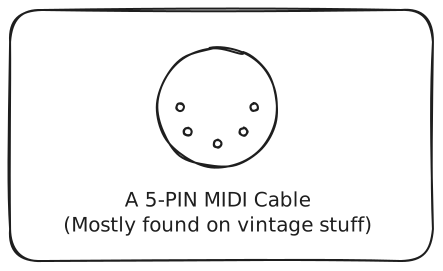
This creates a one-way flow of data for each connection.
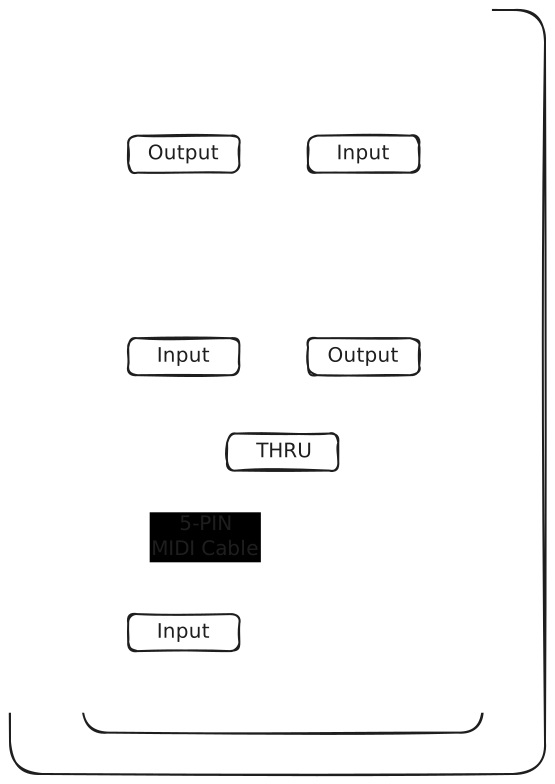
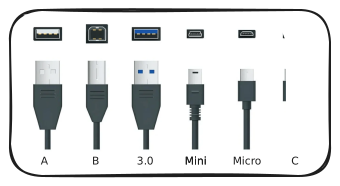
More modern gear typically uses a USB cable for creating a bi-directional MIDI connection.
Connecting, Routing and Editing MIDI Data
Its important to understand how to connect MIDI controllers to you DAW, how to route MIDI data through the tracks and instruments within your DAW projects, and also all the ways that your DAW allows you to edit your MIDI data.