Cubase - Dolby Atmos Setup
Cubase - Dolby Atmos Setup
Setup
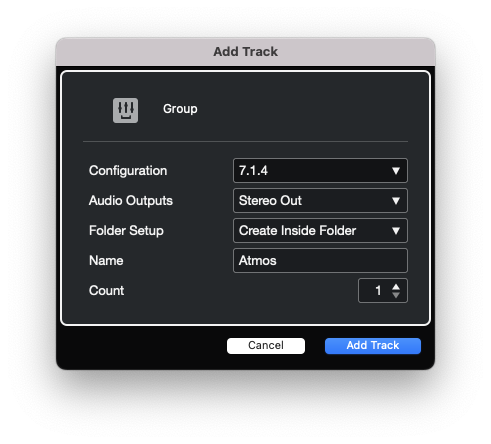
- Add a new 7.1.4 Group Track to your Cubase project.
- Insert the “Dolby Atmos Renderer” on the newly create 7.1.4 group track.
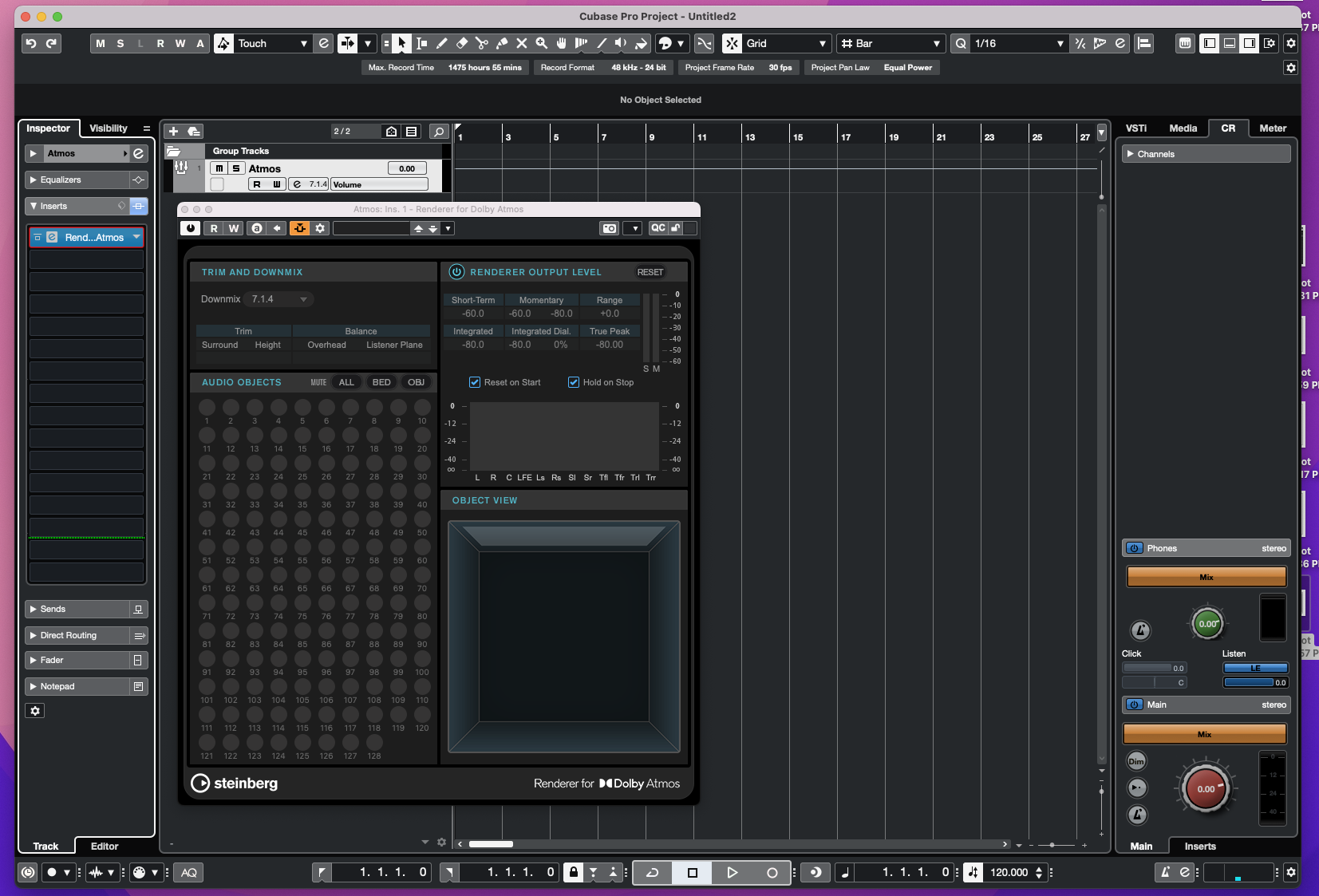
📝 Note
- Sample Rate is set to 48000
- Bit Depth is set to 24
- And you buffer size is set to 512 or 1024
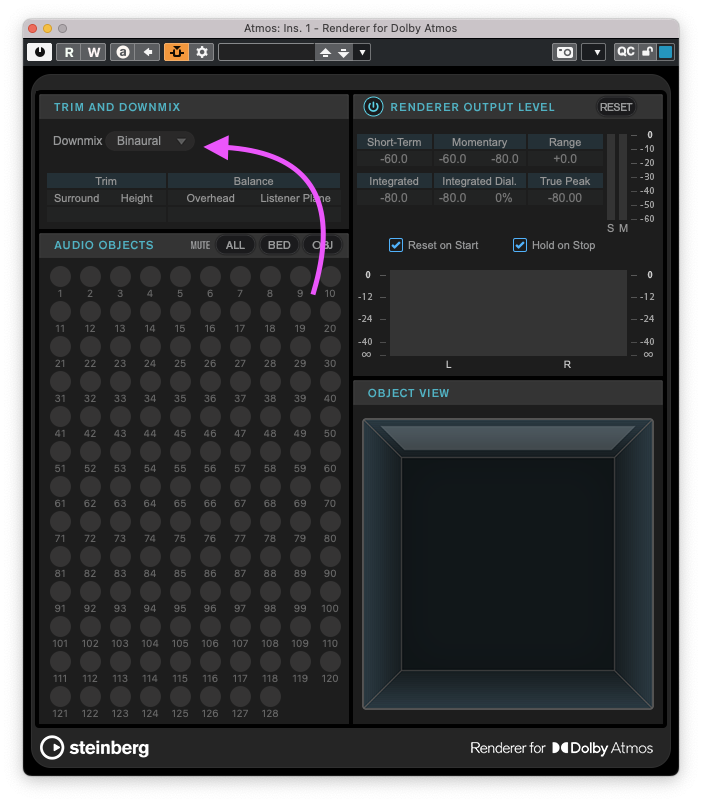
3)Set the “Dolby Atmos Renderer” to downmix to “Binaural”
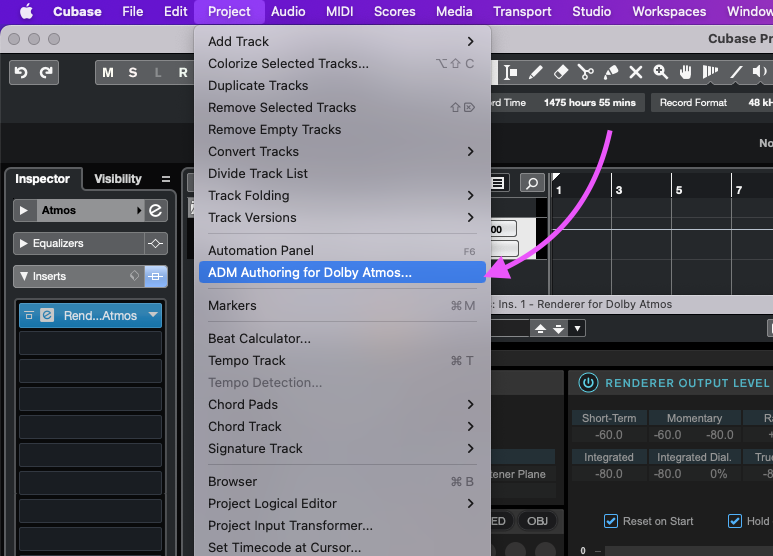
- From the “Project” menu dropdown, open the “ADM Authoring for Dolby Atmos…” window
5)Set the Render to “Renderer for Dolby Atmos”
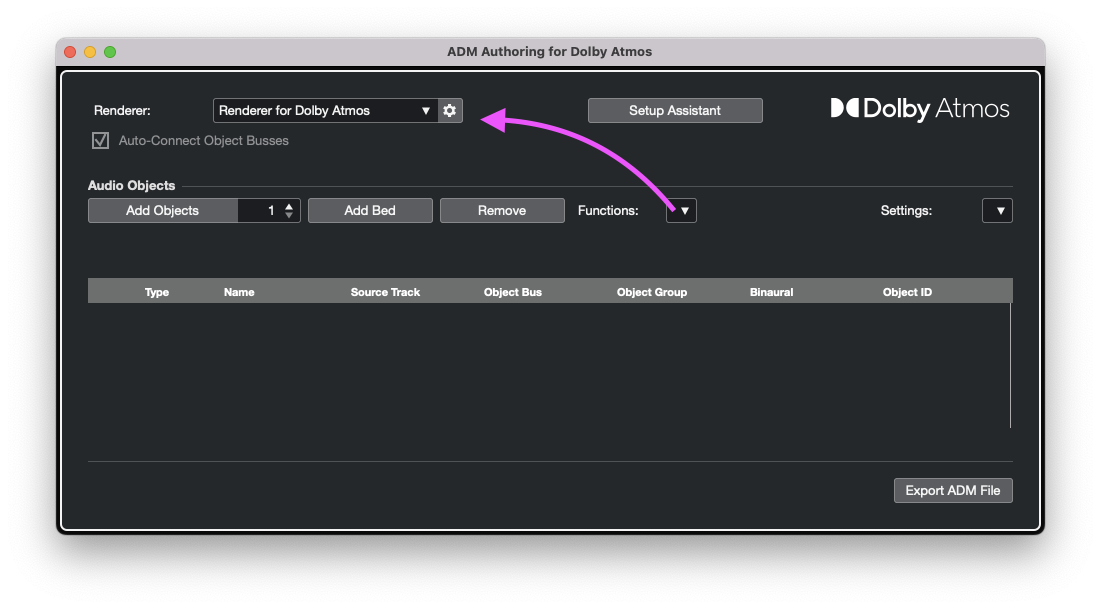
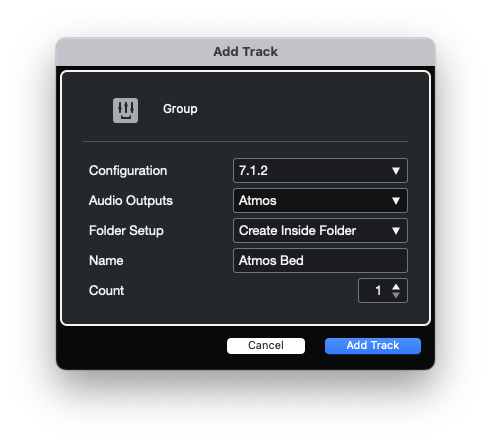
- Create a new 7.1.2 group track named “Atmos Bed” to use as your Atmos Bed Master Mix. Route the output of this track to your “Atmos” group track.
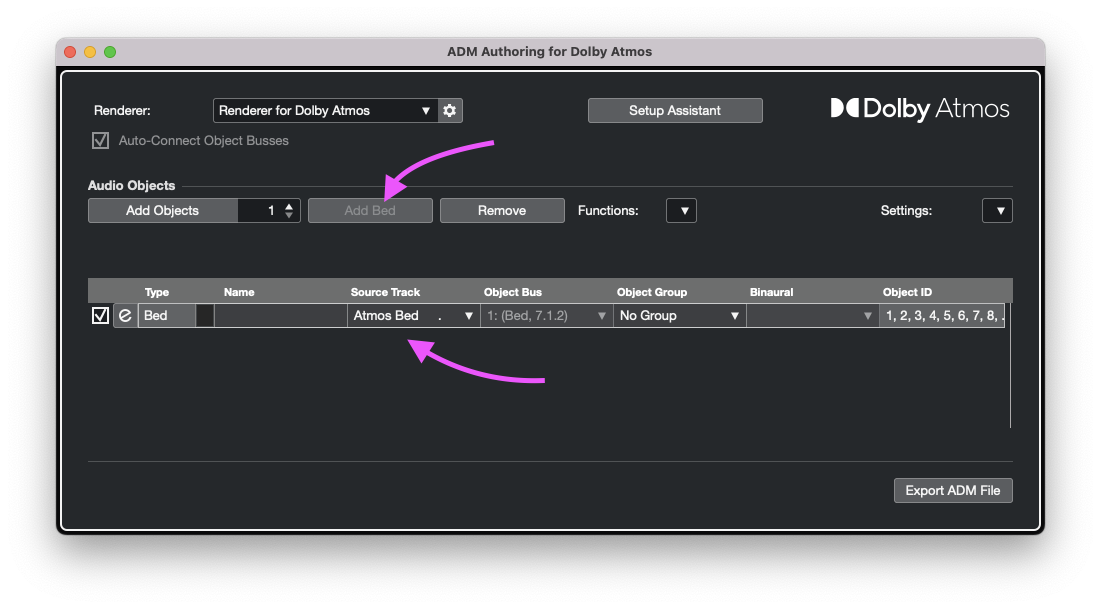
- Open the “ADM Authoring for Dolby Atmos…” window and click the “Add Bed” button. Then set the source track to the “Atmos Bed” group track you just created.
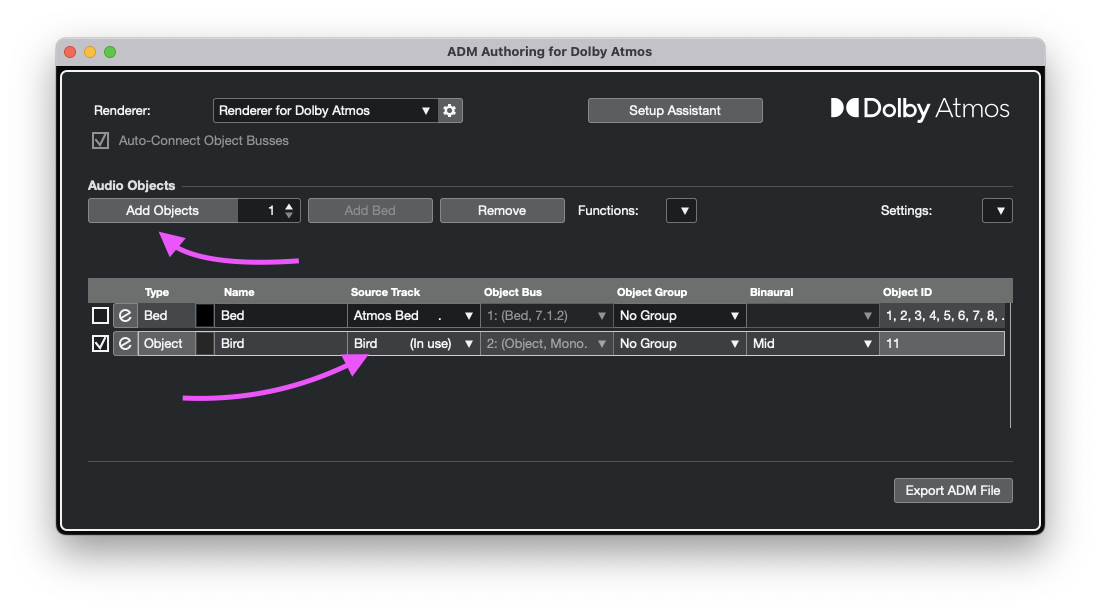
- To add an Atmos Object, return to the “ADM AUthoring for Dolby Atmos…” window and add a new object and select its source track.
Exporting a Dolby Atmos File
- Return to the “ADM Authoring for Dolby Atmos…” window and click the “Export ADM File” button near the bottom right corner.